Only the account owner has access to hibernate the TimeTap account.
If you only need scheduling for a few months out of the year or need to temporarily pause your scheduling, you can choose to hibernate your account at any time.
In order to hibernate your account and pause your online scheduling through TimeTap, you'll need to click on your name in the upper right corner of the page and then select Hibernate/Cancel Account from the dropdown menu that appears -
Before hibernating your account, please note the following -
- If you have a calendar sync set up, it will not run during your account's hibernation period. When you reactivate your account, you may need to re-establish the sync if there have been any changes to the security permissions on your external calendar.
- If our pricing structure changes while your account is in hibernation status, you will be moved into our new pricing structure upon resuming your subscription. You will not maintain access to any legacy plans.
- If you are on an annual account, you will not be credited back the remaining amount of time on the annual payment period.
That will bring up the Hibernate/Cancel Account tab of the Manage Your Account page. All you need to do from here is fill in a reason for hibernating your account and select a date when you would like us to send you an email with instructions on how to reactivate your account. Once you've filled in the hibernation reason field and selected a date, you'll need to click on the blue Hibernate Account button -
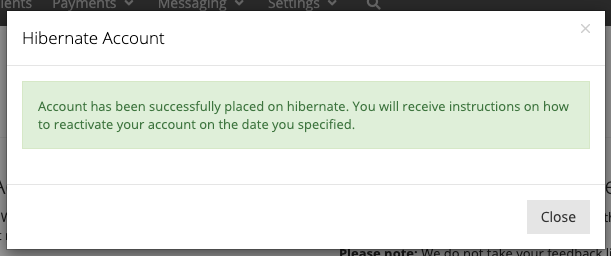
After clicking to Hibernate Account you will see a small confirmation message saying that the account was successfully placed in hibernation -
And then you'll be directed out of the site -
Once you've been directed out of the site, your account is officially in hibernation!
When you're ready to reactivate your account, simply log in using your username and password and you will be redirected to a page where you can verify that your billing information is up-to-date by clicking on the View Billing Information button and then reactivate your account by clicking on the blue Reactivate button -