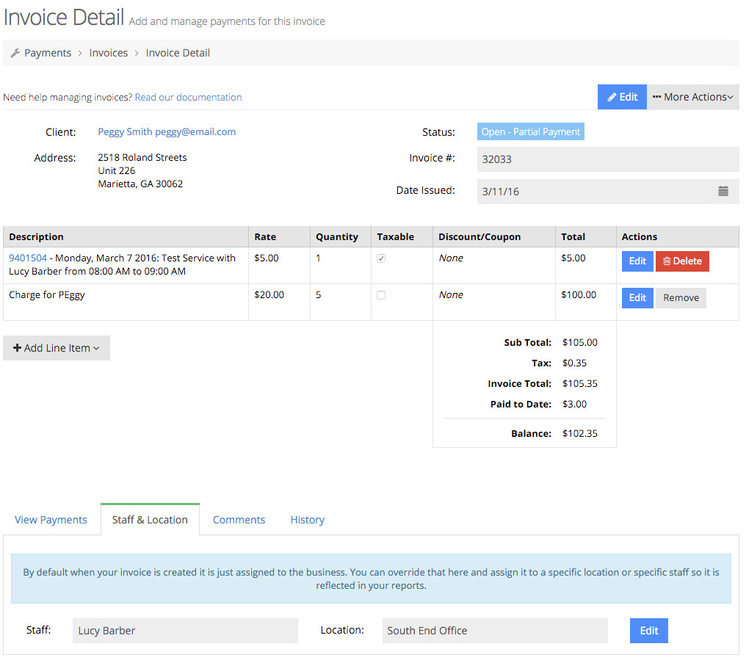
By default, all invoices that are created are assigned to your general business, not a specific staff or location. If you have multiple staff and/or multiple locations where you take appointments, you can go into invoices and assign invoices to the specific staff or location you want it to be reported for.
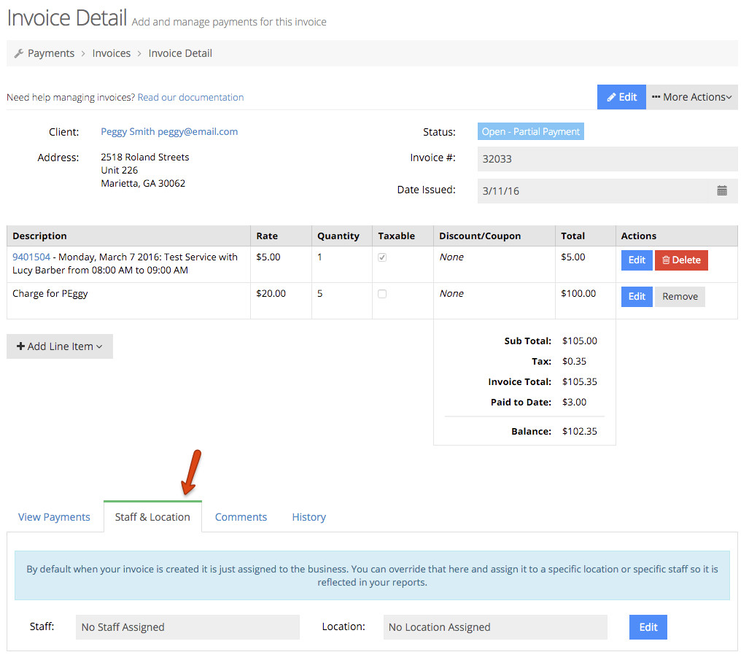
To assign an invoice to a specific staff or location, go to your "Staff & Location" tab on your invoice detail page:
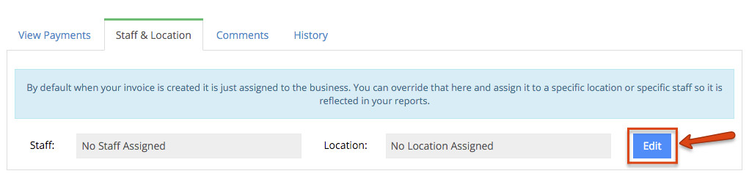
Click the "Edit" button to the right of the Staff and Location items:
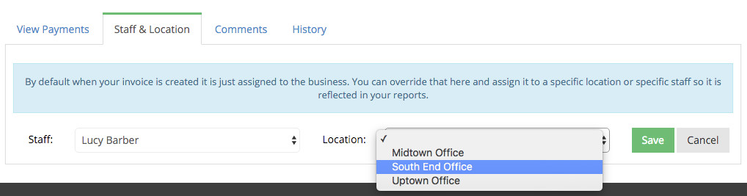
Use the dropdowns to select which staff...
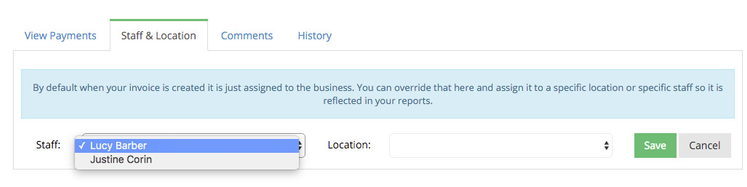
and which location the invoice should get assigned to:
Once you've made your selection, click the "Save" button to commit the changes:
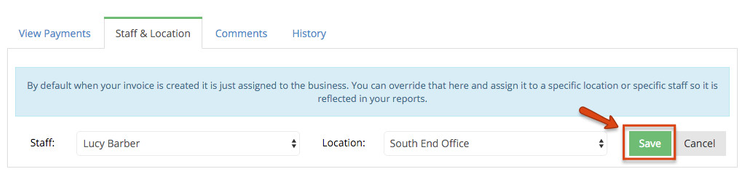
Now on any reports you run, this appointment will get assigned to that specific staff and location: